Math example page
Math example page
Feb 15, 2025
·
1 min read
This page shows how to write mathematics in your Markdown. Math is enabled site-wide in config/_default/params.yaml; you can also set math: true in a page’s front matter to enable it only on that page.
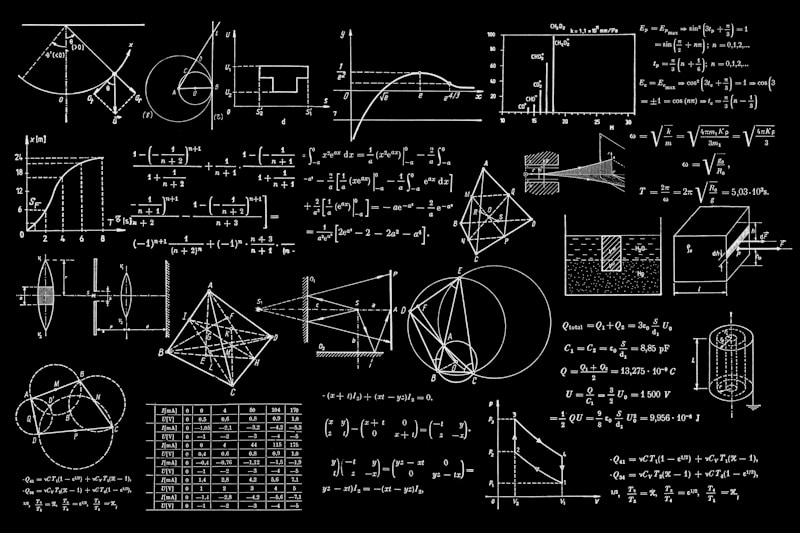
Source: www.unsplash.com
Inline math
Use single dollar signs: $E = mc^2$, or $\nabla \cdot \mathbf{E} = \frac{\rho}{\epsilon_0}$.
Block (display) math
Use double dollar signs on their own line:
$$ \int_{-\infty}^{\infty} e^{-x^2} dx = \sqrt{\pi} $$Or an equation with a label:
$$ \frac{\partial u}{\partial t} = \alpha \nabla^2 u $$Multi-line (align, etc.)
Use \begin{aligned} or \begin{align} inside $$ ... $$:
You can now create your own page: add a new .md file under content/ (e.g. content/my-notes/index.md) with math: true in the front matter and use $...$ and $$...$$ for formulas.
